dsh-Go: Run DeepSeek Harness on Your Android Phone and Control Your PC
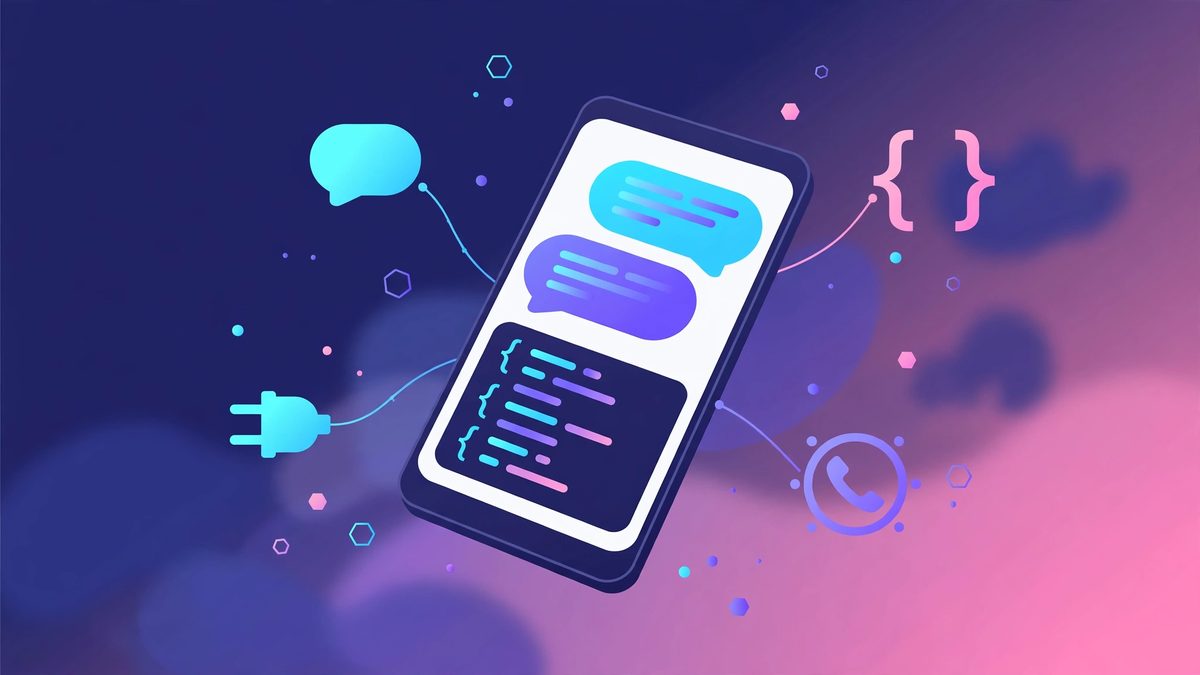
dsh-Go puts the DeepSeek Harness coding agent in your pocket: it runs on your Android phone with a built-in Linux environment, and it can also remote-control DSH on your computer.
dsh-Go is an open-source Android client for DeepSeek Harness (DSH), the terminal-based AI coding agent. It runs DSH directly on your phone, and it can also connect to DSH on your computer or server, so you can continue the same session from either device. Launched in late October 2026, it quickly passed 23,800 stars on GitHub.
What is dsh-Go?
dsh-Go is a community-built, unofficial client based on the open-source DeepSeek Harness engine. It is not affiliated with DeepSeek. It gives you a chat interface for the DSH agent, with the engine running on your phone or on a remote machine. Model requests go to the provider you configure, so you still need an account and API access with that provider.
What it can do
- Run on your phone: it installs Ubuntu, Node.js and the DSH runtime inside itself — no root or Termux needed, but reserve about 1 GB.
- Remote-control your computer: connect over SSH, or through DSHarness Remote, to use the DSH on your PC or server, then switch back to your phone and pick up the same conversation.
- Chat with tools: switch models, send images, use voice input, approve tool actions and answer the agent's questions, in a chat view or a web-style view.
- Phone control: with your permission, the on-device engine can read the screen, tap and type for you. Sensitive actions are handed back to you by default.
- Interrupt and share: jump in mid-reply, turn a reply into a share card, or generate an end-to-end encrypted link that replays a whole conversation in the browser.
- Plugins and looks: native tool cards for dsh-Go plugins, with an SDK and examples in the repo, plus six colour themes and a full English interface.
How to install dsh-Go
You need Android 8.0 or later. Most phones should take the arm64 build; the x86_64 build is for emulators, and there is no 32-bit ARM build. Download the latest APK from the project's GitHub Releases page and allow the install when Android asks — the app is sideloaded, not installed from Google Play. On first launch, install the on-device environment or connect to a remote host instead, then configure your model and credentials and start chatting.
Developers who want to build from source can clone the repository instead:
git clone https://github.com/ccch1mneyyy/dsh-go.gitBuilding needs Linux x86_64, JDK 17, Flutter and the Android SDK; see the repo's README. If you previously installed an early test build signed differently, you cannot install over it: uninstall the old version first, which wipes chats, the Linux environment and settings.
First steps after installing
- Open the in-app user guide before your first session; it covers the setup items one by one.
- If the app is killed in the background, dsh-Go detects it and links to the battery exemption setting for your phone brand.
- Anonymous usage statistics are on by default; switch them off in Settings, under Privacy and sharing. Keep the default protections on and grant only the permissions you need.
FAQ
Is dsh-Go free?
Yes — open source under AGPL-3.0 and free to use, though you still pay your model provider for usage.
Is it made by DeepSeek?
No — a community project built on the open-source DeepSeek Harness, not affiliated with DeepSeek.
Does it work offline?
No: model requests still go to the provider you configured, so you need internet and a provider account.
How do I uninstall it?
Uninstall it the usual Android way; the README documents no separate procedure, and removal also wipes its chats, Linux environment and settings.
Comments (0)